Google reviews for vets: how to get them and reply without breaching confidentiality
When to ask clients at your veterinary practice, how to make it easy and what to say about emergencies, costs and the loss of a pet.
To get more Google reviews for vets, ask every client at the end of a calm visit (a booster, a health check, a discharge after routine surgery), make leaving one take a few seconds, and reply without ever mentioning the animal's condition or treatment. A veterinary practice isn't a café: many reviews arrive after an out-of-hours emergency, an unexpected bill or the loss of a pet. This guide covers when to ask, the options for making it easy, reply examples you can adapt and what never to write in public.
Why vet reviews carry so much emotion
People searching for a vet on Google Maps are often worried or in a hurry: the dog has eaten something it shouldn't, the cat hasn't eaten for two days, it's Sunday and the usual practice is closed. They read reviews looking for one thing: will my animal be looked after properly here?
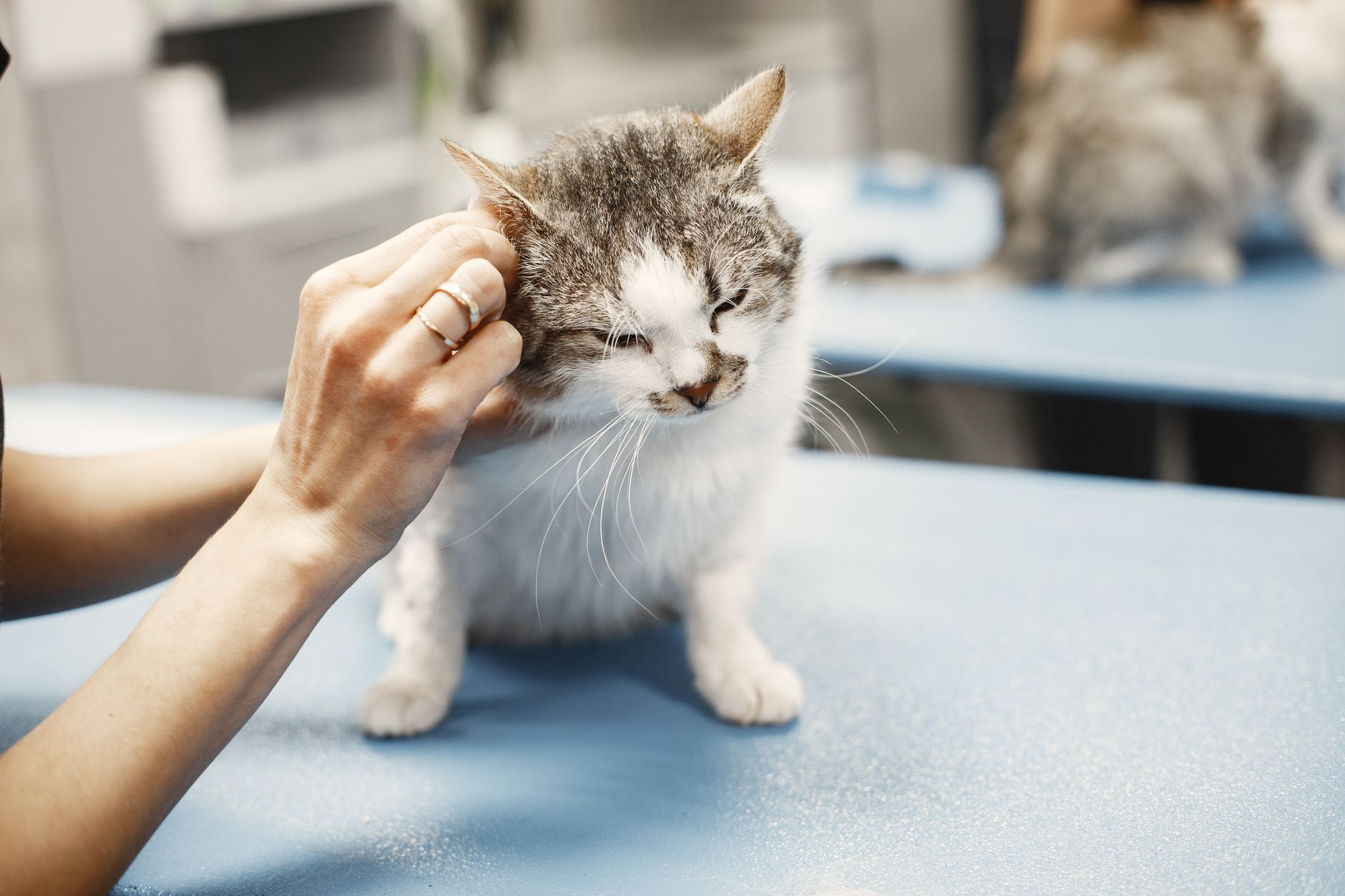
Photo by Gustavo Fring on Pexels
That shapes the reviews a practice receives:
- Emergencies. Long waits, triage that clients don't understand ("someone who arrived after us went in first") and out-of-hours fees.
- Cost. Surgery estimates, tests the client didn't expect, or an invoice higher than they thought.
- Losing a pet. Some of the hardest reviews, and some of the most grateful, come after euthanasia or a death at the practice.
- Individual staff. Positive reviews often name a vet or a nurse: "Sophie was so gentle with Bramble."
The more emotional a review is, the more the reply matters, because other owners read it thinking about their own animal.
When to ask for a review (and when not to)
| Moment | Good time? | Why |
|---|---|---|
| After a vaccination, flea and worming check or annual health check | Yes | Short visit, no drama, the client leaves relaxed |
| Collecting a pet after surgery that went well | Yes | Relief and gratitude, and the client is at reception with their phone |
| Signing off a long course of treatment | Yes | The end of a process, with a visible result |
| During an emergency or while the animal is still hospitalised | No | The client is anxious and doesn't know the outcome yet |
| When handing over a surgery estimate | No | You're mixing the request with a money decision |
| After euthanasia or a pet's death | Never | If the client wants to say something, they will do so on their own |
A simple rule for the reception team: ask when the visit is closed, the bill is paid and the pet is on the lead, never in the middle of something. Something as plain as "If you were happy with how we looked after Max, it really helps us if you say so on Google. Just tap your phone here" is enough. If they'd rather not, that's fine.
What Google doesn't allow
Google Business Profile Help encourages businesses to remind customers to leave reviews via a link or a QR code. The Google Maps content policy sets the limits:
- No incentives: no discount on the next booster, no free bag of food, no prize draw for reviewers.
- No selective asking: you can't ask only the clients you know are happy, or discourage those who had a bad experience.
- No pressure: don't insist at the desk or tell clients what to write.
And a genuine negative review can't simply be removed: Google only takes down reviews that break its policies.
Ways to make leaving a review easy
| Option | How it works | Pros | Cons |
|---|---|---|---|
| Asking in person | The client finds you on Google Maps later | Free | Many forget once they leave |
| Link by text or email | You send your review link after the visit | Arrives when the client is home | Someone has to remember to send it to everyone |
| Printed QR code | Sign at reception or in the waiting room | Cheap, works with any phone camera | Open the camera, focus, tap |
| NFC stand on the desk | The client taps their phone and your review page opens | One gesture, nothing to search for | The phone needs NFC switched on |
| Review management software | Brings reviews, alerts and replies together | Saves time replying | Monthly cost |

Photo by Helena Lopes on Pexels
Reception is the natural place for a stand: it's where clients pay, collect medication and book the next appointment. HolaRevi's NFC stands work with a tap. They don't carry a printed QR code, so keep a QR or your link handy for phones without NFC; HolaRevi can also create review QR codes with scan tracking.
How to reply without breaching client confidentiality
The RCVS supporting guidance on client confidentiality states that, in normal circumstances, vets and veterinary nurses should not disclose any information about a client or their animal to a third party. Its guidance on social media and online networking adds that you should avoid disputes in a public forum and can invite clients who post negative comments to contact the practice privately.
So, in a public reply, never confirm the diagnosis, medication, test results or surgical outcome, give your clinical version of events, share the client's full name or history, or itemise the invoice. If a review looks fake or defamatory, take advice from your defence body or a solicitor before replying.
Reply examples to adapt
Positive review naming a nurse: "Thank you so much, Emma. We'll pass your lovely message on to Sophie. See you both at the next check-up. Best wishes, the team at Riverside Vets."
Complaint about the wait in an emergency: "Hi James, we're really sorry about the wait. Sitting in reception not knowing when you'll be seen is stressful. In emergencies we see patients by urgency rather than arrival time, which isn't always obvious from the waiting room. If you'd like to talk it through, please call and ask for Claire, our practice manager."
Complaint about cost: "Hi Rachel, thank you for telling us. We can't discuss any visit here, but we'd like to go through the invoice with you. Please contact reception whenever suits you." There's more on this in our guide to replying to reviews complaining about price.
After the loss of a pet: "Dear Helen, we're so sorry for the loss of Poppy. We know how hard this is and didn't want your message to go unanswered. We're here if you'd like to talk. With love, Tom and all the team."
Keeping up without losing your evenings
- Split the work: one person checks reviews on a fixed day each week, and negative ones the day they arrive.
- Keep base phrases, but personalise them with the client's name and what they actually said.
- Use software with manual approval. HolaRevi drafts an AI reply for every review that picks up what the client wrote, in the review's language. You can auto-publish positive replies only and keep negative ones pending so you can edit, approve or dismiss them. You can add a tone instruction such as "never mention diagnoses or treatments", and get negative review alerts and a weekly summary email.
Photo by Sam Lion on Pexels
Checklist for your practice
- Ask every client at the end of calm visits: vaccinations, check-ups, discharges.
- Don't ask during emergencies, alongside estimates or after a loss.
- Nothing in return: no discounts, no prize draws.
- Put an NFC stand or QR code at reception and keep your link ready.
- Reply to every review, five-star ones included, and sign with a name.
- No clinical or billing details in public; take complaints offline.
If you want asking for reviews to feel effortless, have a look at HolaRevi's NFC stands. If replying is what eats your time, see the HolaRevi plans: there's a free plan to try it with your own Google profile first.
Frequently asked questions
How do I get more Google reviews for my veterinary practice?
Ask every client at the end of calm visits such as vaccinations, health checks or discharges, and make it easy with an NFC stand or QR code at reception, or by texting your review link. Don't offer anything in return or ask only the clients you know are happy, as Google's policies prohibit both. Avoid asking during emergencies, alongside an estimate or after a pet has died.
Can a vet respond to a negative Google review?
Yes, but keep it short and general. RCVS guidance says client and animal information should not be disclosed to third parties, and advises avoiding disputes in public forums. Acknowledge the concern, don't mention diagnoses, treatment or the invoice, and invite the client to contact the practice privately. If a review seems fake or defamatory, take advice from your defence body or a solicitor first.
How should a vet reply to a review after a pet has died?
With a brief, warm reply signed by a real person. Offer condolences using the pet's name if the client mentions it, acknowledge how hard the moment is and offer to talk privately. Don't explain what happened or defend clinical decisions in public, even if the review is harsh. And never ask a client who has just lost their pet to leave a review.