How an NFC Google review stand works: a plain guide
What is inside, what customers see on iPhone and Android, and why a tap sometimes fails.
Here is how an NFC Google review stand works: a small chip inside the stand stores the link to your Google review form, the customer holds their phone near it, and the phone opens that page. No app, no camera, no battery. Below you will see what is inside, exactly what customers see on iPhone and Android, why a tap sometimes "does nothing" and which myths to ignore.
What is inside an NFC review stand
NFC stands for near-field communication, the same technology behind contactless payments on your phone. A review stand has three parts:
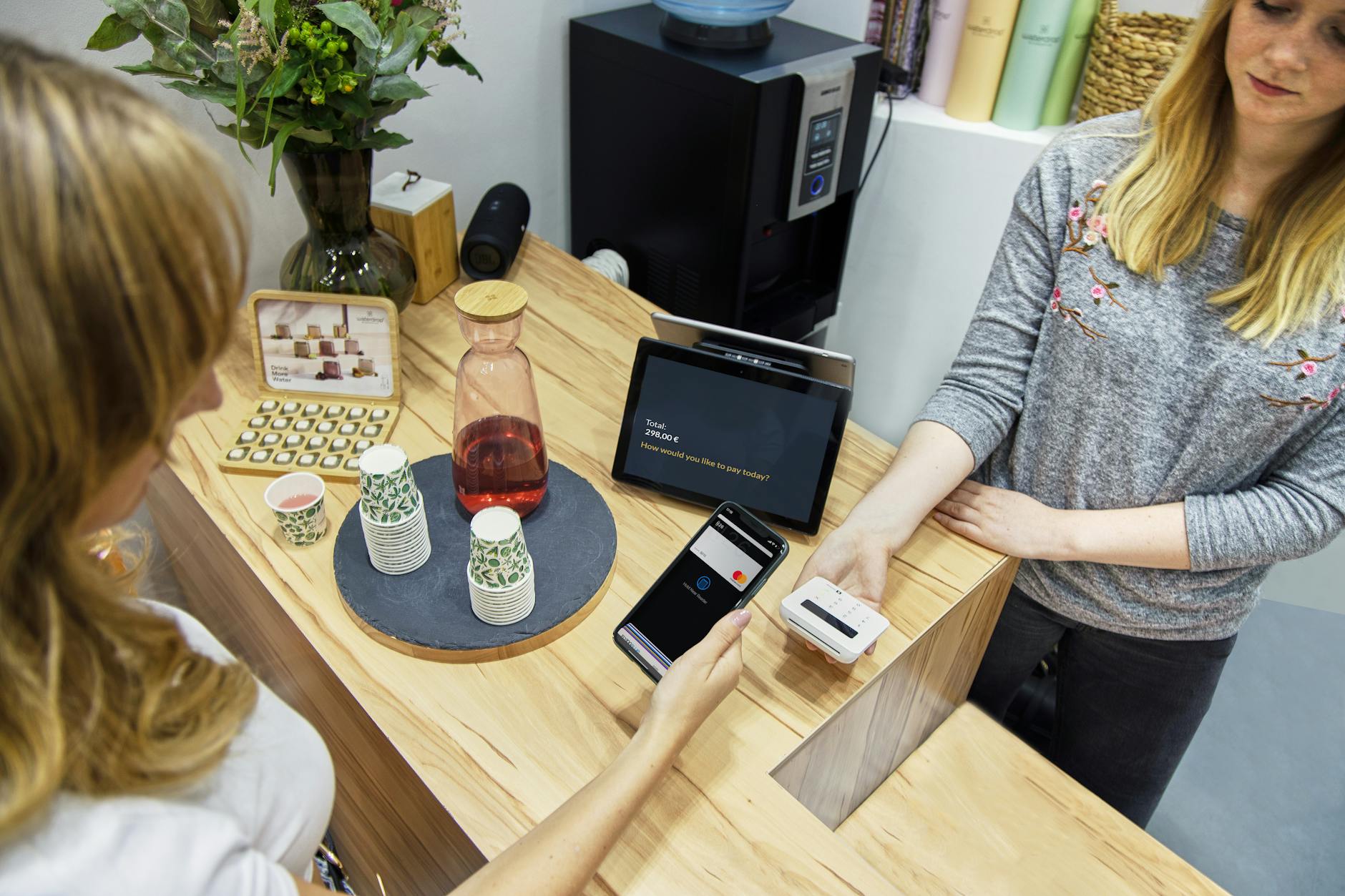
Photo by Tom Tillhub on Pexels
- A passive chip with a tiny antenna, built into or stuck to the acrylic. It is a thin sticker roughly the size of a large coin.
- A link stored on that chip. Not photos, not customer data, not passwords. Just one web address: your Google review form.
- The stand itself, which keeps it visible on the counter and tells people what to do in one line.
"Passive" is the key word. The chip has no battery: it draws power from the phone's own field when the phone is a few centimetres away. So there is nothing to charge, switch on or wear out.
It is not a Google product, by the way. It simply points to your Google Business Profile. Google generates the review link for you under Read reviews > Get more reviews, as explained in Google Business Profile Help, and that is the link written to the chip.
How an NFC Google review stand works, step by step
Picture a café in Leeds. A customer pays, spots the stand by the till and taps their phone.
On iPhone
- They hold the top of the iPhone near the stand, with the screen on and the phone in use.
- A notification appears at the top of the screen.
- They tap it and Safari (or Google Maps, if installed) opens your review form.
- They pick a star rating, write a few words if they like, and post.
Apple's developer documentation confirms that iPhone XS and later read tags in the background, with no app to open. On iPhone 7, 8 and X the NFC Tag Reader has to be turned on in Control Centre, according to Apple Support. Apple also lists when background reading is unavailable even with the screen on: the camera is in use, Apple Pay/Wallet is open, or Airplane Mode is on.
On Android
- They hold the back of the phone near the stand, unlocked.
- The browser or Google Maps opens straight on your review form (a few models ask for confirmation first).
- They rate and post.
Either way, the customer has to be signed in to a Google account to post, as Google's guide to getting reviews points out. Most people already are.
Why a tap sometimes does nothing
When a customer says "it's not working", it is usually one of these:

Photo by Max Fischer on Pexels
- NFC is switched off (Android only). On a Pixel it lives under Settings > Connected devices > Connection preferences > NFC > "Use NFC", according to Google Pixel Help. Other brands put it under "Connections" or in the quick settings panel. iPhones have no NFC switch.
- Wrong part of the phone. On iPhone the reading area is at the top. On Android it depends on the model, often the middle of the back; the manufacturer's phone diagram shows it. Ask them to slide the phone slowly over the stand.
- A chunky case. Normal cases are fine; one with a card wallet, magnet or metal plate can block the signal.
- No NFC at all. Some budget or older Android phones simply do not have it. If there is no NFC option in settings, that phone lacks it.
That is why a QR code is a sensible backup, on the receipt or the table. We cover it in our guide to QR codes for reviews.
What happens if you change your Google profile
If the chip holds the Google link directly, you would have to rewrite it with an NFC writer app, or bin the stand if the seller locked the chip. If the stand arrives pre-configured and its destination can be changed remotely, you do nothing.
The HolaRevi NFC stand works the second way: it arrives set up with your link, and if you move to a different profile we reprogramme it remotely at no cost. Typical cases: a barber in Glasgow moving premises and creating a new profile, or a garage in Cardiff merging two duplicate listings.
Privacy: what the stand collects (nothing)
A passive NFC chip collects no data. It has no storage for who tapped it, no internet connection and no camera. The phone reads the link and opens it, exactly as if the customer had scanned a printed QR code. You never see their number or email; you only see the review if they choose to post it.
Myths about NFC review stands
| Myth | Reality |
|---|---|
| "It needs a battery" | The chip is passive and powered by the phone. |
| "Customers need an app" | iPhone and Android read it out of the box. |
| "It posts the review automatically" | It opens the form; the customer chooses and posts. |
| "It reads data from your phone" | It only holds a link. |
| "It works from across the room" | It needs a few centimetres, almost touching. |
| "It only collects good reviews" | Everyone gets the same page. Filtering is against Google's rules. |

Photo by Pavel Danilyuk on Pexels
On that last point, Google's content policy bans selectively asking for positive reviews and offering incentives. No "tap here for a free coffee", and no showing the stand only to happy customers.
NFC stand, QR code or just asking
| Option | Pros | Cons |
|---|---|---|
| Asking verbally | Free and personal | Customers must find your profile themselves |
| Printed QR code | Cheap, any camera reads it | Opening the camera is an extra step |
| NFC stand | One gesture at the counter | Some Androids lack NFC or have it off |
| Link by email or SMS | Reaches them at home | You need their contact details |
They work well together. A dental practice in Bristol might keep the stand at reception, the QR code on the invoice and the link in the appointment reminder.
Checklist for day one
- Test with an iPhone and an Android before putting it out.
- Check it opens the review form, not just your profile.
- Place it where phones are already out: till, bar, reception.
- Keep a QR backup for phones without NFC.
- Give staff one line: "If you enjoyed it, tap your phone here and leave us a review."
- Offer nothing in return and ask everyone equally.
If you want to try one, HolaRevi's NFC stands arrive configured with your link, with no subscription and 30 days to return it for a refund (check the price on that page). And once reviews come in, HolaRevi helps you reply to them with AI in your own tone.
Frequently asked questions
Do NFC review stands work with all phones?
They work with iPhone 7 or later and almost every Android phone with NFC. iPhone XS and later read the tag automatically; iPhone 7, 8 and X use the NFC Tag Reader in Control Center. Some budget Android phones have no NFC, and others have it switched off in settings, so keeping a QR code nearby as a backup covers everyone.
Does an NFC review stand need a battery or Wi-Fi?
No. The chip is passive: it has no battery or Wi-Fi and is powered by the phone's own field when it comes within a few centimetres. The customer's phone needs a data connection to load the review page, because the chip only passes it a link. That is why the stand never needs charging and does not wear out.
How do I turn on NFC on an Android phone?
It varies by brand. On a Google Pixel, go to Settings, Connected devices, Connection preferences, NFC, and switch on Use NFC. Other brands usually put it under Connections or in the quick settings panel you pull down from the top of the screen. If there is no NFC option at all, the phone does not support it, so the QR code is the quickest route.