Using Google Local Ads to Boost Restaurant Reviews
A Complete Guide to Optimizing Restaurant Reviews with Local Ads
Google Local Ads are an effective tool for improving both the quantity and quality of your restaurant's reviews. By targeting nearby customers and encouraging them to share their experiences, you can significantly enhance your online reputation.
What are Google Local Ads?
Google Local Ads are specialized advertising campaigns that appear in search results and on Google Maps. They are designed to attract the attention of users searching for businesses and services in their local area, such as restaurants, shops, and other establishments. When a user selects a local ad, they can view detailed information, including the address, hours of operation, and reviews from other customers.

Photo by Brett Jordan on Pexels
This type of ad is particularly beneficial for restaurants because it targets an audience actively looking for dining options. Additionally, by appearing on Google Maps, it provides a quick and easy way for potential customers to find your location and read reviews, which can influence their decision to visit your establishment.
Benefits of Using Local Ads for a Restaurant
Implementing Google Local Ads offers numerous benefits that can enhance your restaurant's performance:
- Increased visibility: You will be present at the exact moment and place when users are searching for dining options, increasing the likelihood of being chosen.
- Traffic boost: The more potential customers see your restaurant, the more likely they are to choose to visit.
- Reputation enhancement: Displaying positive reviews in ads can improve the perception of your restaurant, encouraging new visits and more reviews.
- Effective targeting: Local ads allow you to target a specific audience based on precise locations, times, and search behaviors.
These campaigns can also be integrated with other marketing strategies, such as a review rewards program, to amplify their effectiveness.
How to Set Up Google Local Ads Step by Step
Setting up Google Local Ads may seem complex, but by following a few simple steps, you can do it effectively:
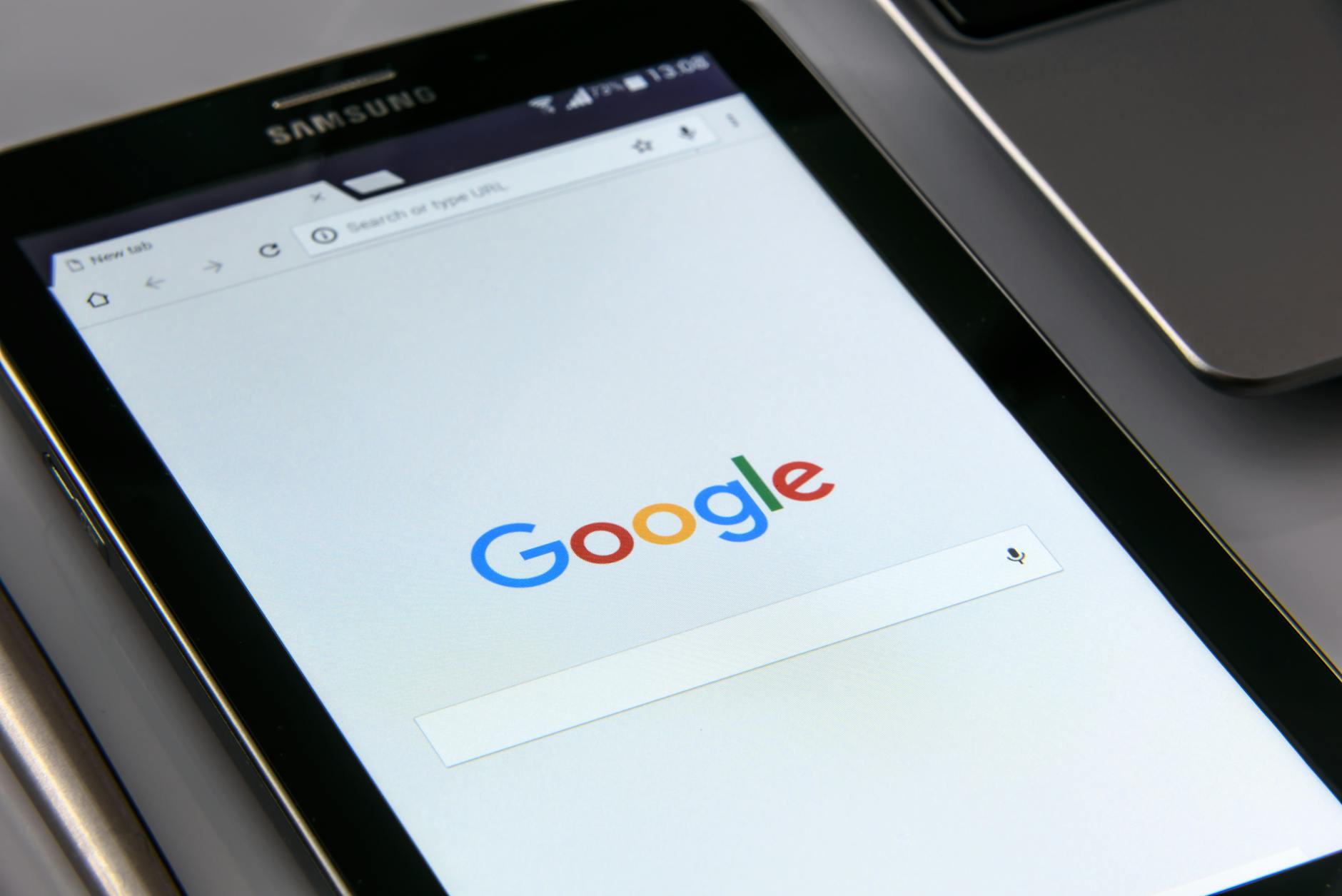
Photo by AS Photography on Pexels
- Access Google Ads: If you don't have an account, you'll need to create one. This is the starting point for managing all your advertising campaigns.
- Create a local campaign: Select the local campaign type in the Google Ads dashboard. This is specifically designed for promoting local businesses.
- Define campaign objectives: Decide if your primary goal is to increase restaurant visits, receive more calls, or boost reviews.
- Set up the location: Ensure your restaurant's address is updated in Google My Business so customers can easily find you.
- Set a daily budget: Decide how much you're willing to spend daily, considering the expected return.
- Monitor and optimize: Once the ads are running, review performance analytics and adjust elements as needed to maximize results.
These steps will not only help you set up your ads correctly but also allow you to maintain control over how your advertising resources are spent.
Strategies to Encourage Reviews Through Ads
Using ads to attract positive reviews requires specific strategies that motivate customers to share their experiences:
- Offer a discount or promotion: Include a special offer in the ad for customers who mention the ad when leaving a review after their visit.
- Promote existing reviews: Highlight positive reviews you already have in your ads, which can encourage new customers to do the same.
- Simplify the review process: Ensure customers know how and where they can leave a review. Consider implementing a Google review QR code in your restaurant to simplify this process.
- Direct communication: Ask your customers to leave a review during their dining experience, perhaps through a thank-you card.
These tactics not only increase the number of reviews but also improve their quality by encouraging customers to share positive experiences.
Common Mistakes When Using Local Ads and How to Avoid Them
When using local ads, it's important to avoid certain mistakes that could compromise the effectiveness of your campaigns:

Photo by Chris F on Pexels
- Incorrect targeting: Ensure you use proper segmentation to target only those truly interested in your services.
- Failure to update information: It's crucial that your contact and location details are always up-to-date to avoid customer confusion or frustration.
- Ignoring feedback: Pay attention to metrics and feedback received through reviews to adjust and improve your ads continually.
Avoiding these errors will allow you to maximize the impact of your local ads and achieve better results in terms of visits and reviews.
Measuring the Success of Your Ads in Improving Reviews
To evaluate if your local ads are improving your reviews, consider several indicators:
- Increase in the number of reviews: An increase in the number of reviews indicates your ads are attracting more customers.
- Improvement in average rating: Not only should the number of reviews increase, but their quality should also be high.
- Direct interactions: Look for an increase in calls or messages inquiring about the restaurant, which may be an indirect effect of the campaigns.
Using review analysis tools like HolaRevi can help you dive deeper into the review content and better understand what your customers truly value.
Key Takeaways
- Local ads significantly increase your restaurant's visibility in local searches.
- Facilitating and motivating customers to leave reviews is crucial for reputation improvement.
- Properly configuring Google My Business is essential for ad effectiveness.
- Constant monitoring allows for adjustments and continuous campaign improvement.
Conclusions and Next Steps to Optimize Reviews
Implementing Google Local Ads is a powerful strategy to improve your restaurant's reviews, increasing both traffic and online reputation. Set clear objectives, monitor results, and adjust your campaigns as necessary to reap maximum benefits.
Don't forget to complement your ads with other marketing strategies, such as a review rewards system, to enhance their effectiveness. To continue optimizing, consider learning more about how to reply to neutral reviews or how to manage social media reviews to maintain a strong online presence.
Frequently asked questions
What budget do I need for Google Local Ads?
The budget for Google Local Ads depends on your goals and location. Generally, you can start with a minimum of $5-10 daily, but it's advisable to adjust based on performance and competition in your area.
Do Google Local Ads affect my restaurant's SEO?
Local Ads don't directly impact SEO, but they increase visibility and traffic to your website or physical location, which can indirectly boost your ranking by generating more interactions and reviews.
How can I segment my audience in Local Ads?
Segment your audience in Local Ads using options like geographic location, demographics, and search behavior. This ensures your ads reach the people most likely to visit your restaurant.
Are Local Ads effective for capturing positive reviews?
Yes, by increasing customer traffic to your restaurant, Local Ads can effectively increase reviews. Implementing incentives and making the review process easy also helps garner positive feedback.