How to get Google reviews for a dental practice (and reply safely)
When to ask, what reception can say and what never to put in a public reply about a patient.
If you want to know how to get Google reviews for a dental practice, the short answer is: ask every patient in person at the end of a good visit (after a check-up, or at reception when they pay), give them a link or a stand so it takes ten seconds, and never offer anything in return. The part that is different from a café or a shop is the reply. You are dealing with health information, so you should never confirm in public that someone is a patient or discuss their treatment. Here is when to ask, what to say, which tools help and how to handle complaints about price or pain.
Why dental practices find reviews harder
A customer leaving a café in Leeds walks out with a coffee and a smile. A patient leaving a dental practice may still be numb, may have just seen an estimate for a crown, or may simply be in a hurry to get back to work. Many people would also rather not advertise that they go to the dentist, let alone why.
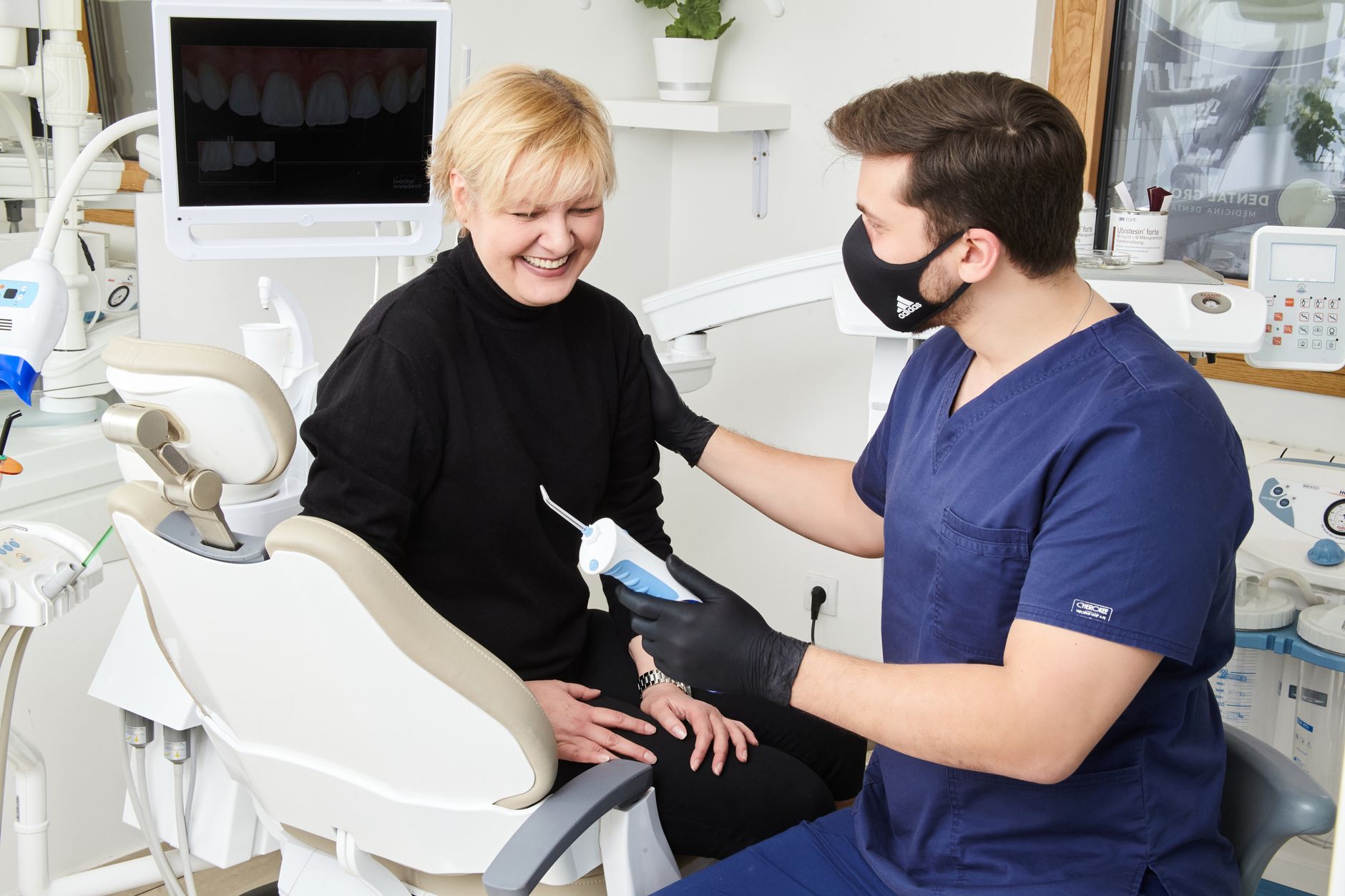
Photo by Marco Dental Tourism Stomatolog Beograd on Pexels
So two things matter more than usual:
- Timing. Ask while the patient is still feeling the injection, or straight after a big estimate, and you will hear "maybe later", which usually means never.
- Some patients will not leave one, and that is fine. Do not push or make it a condition of anything. Your job is to make it easy for those who want to.
When to ask patients for a review
There is no perfect minute, but some moments work much better than others:
| Moment | Good time? | Why |
|---|---|---|
| End of a check-up or hygiene appointment | Yes | Short, painless visit and a good feeling at the end |
| At reception, paying or booking the next appointment | Yes | Patient is standing, phone in hand, with a few spare seconds |
| End of orthodontic treatment or whitening | Yes | A long process is finished and the result is visible |
| Straight after an extraction or under local anaesthetic | No | They are uncomfortable and can barely talk |
| Mid-treatment or after an emergency appointment for pain | Better not | They have not seen the outcome yet; wait for the next visit |
| When handing over a large treatment plan | No | You mix the request with a money decision |
A simple rule for the team: ask when closing the visit, never in the chair mid-treatment.
How to ask without breaking Google's rules
Google Business Profile Help suggests reminding customers that they can leave a review, using a Google link or QR code. So asking is normal and allowed. What is not allowed is set out in Google's policies on user-generated content:

Photo by Ivan S on Pexels
- Offering incentives: money off the next hygiene visit, a free electric toothbrush, a prize draw. Google treats this as fake engagement.
- Selectively asking only happy patients, or discouraging negative reviews. Ask everyone.
- Giving staff a review target. The policy specifically lists merchants asking staff to solicit a certain number of reviews. Build a habit, not a quota.
- Reviews from your own team, family or friends. That is a conflict of interest.
What reception can say
A dental practice in Bristol might use something as simple as:
"You're all booked in for the 14th. And if you'd like to leave us a Google review, just tap your phone here. It really helps other local patients find us."
If the answer is no, that is the end of it. No reminders in the waiting room.
What the dentist or hygienist can say
When a patient says something kind in the chair ("that was quick", "didn't feel a thing"), the clinician can reply: "Glad to hear it. If you fancy saying so on Google, reception can make it easy." Reception then closes the loop with the stand or link.
Tools that make leaving a review easier
| Option | How it works | Pros | Cons |
|---|---|---|---|
| Asking verbally | Patient searches for you on Google Maps | Free | Many forget or cannot find the profile |
| Link by text or email | You send your profile's review link | Reaches them after they leave | Check they agreed to messages; never mention treatment |
| Printed QR code | Scanned with the camera | Cheap, works on any phone with a camera | Needs the camera open and focused |
| NFC stand at reception | Tap the phone and the review page opens | One gesture, no app, in the moment | Needs an NFC phone; best with a QR backup |
| Review software | Links, QR codes and replies in one place | See and answer everything in one dashboard | Monthly subscription |
Whatever you choose, check that the link goes straight to the review form on your profile, that you can change it if you move or change profile, and that it does not filter patients. For the printed option, see our guide to QR codes for reviews. The natural spot is the reception desk next to the card machine.
Health data: what never to say when replying
The General Dental Council's guidance on using social media says you must not publish anything that could identify a patient without their explicit consent, and that several small pieces of information together can be enough to identify someone. The ICO explains that health data is special category data, and that appointment details can count when they reveal something about a person's health.
Photo by Pavel Danilyuk on Pexels
In practice, even if the reviewer describes their own treatment:
- Do not confirm they are a patient. No "as we explained at your last appointment".
- Do not mention treatments, dates or the clinician where that points to the case.
- Do not argue the case in public. Invite them to call or email the practice manager.
- Apply it to positive reviews too. "So pleased your implant settled well" confirms treatment. Try "Thank you for your kind words, we'll pass them on to the team."
Complaints about price
Do not defend that person's estimate or quote figures from their case. Reply in general terms:
"Thank you for getting in touch. We understand the cost of dental care is a big decision, which is why we explain every treatment plan before we start. If you'd like to talk it through, please give the practice a call."
Complaints about pain or treatment
Stay out of the clinical detail, whether to defend or to explain:
"We're sorry to read this. It matters to us that everyone who visits feels well looked after. For privacy reasons we can't discuss any individual case here, but we'd like to listen: please contact the practice manager and we'll call you."
For tone, our guide on how to respond to negative Google reviews goes further.
Checklist for this week
- Check your Google Business Profile is verified and get your review link.
- Agree the moments to ask: end of check-ups, hygiene visits and treatment completion, at reception.
- Write the reception line down and stick it by the screen.
- Put a stand or QR code next to the card machine.
- Brief everyone on what is off limits: incentives, quotas, cherry-picking, staff reviews.
- Draft two template replies, one for price and one for clinical complaints, with no patient details.
- Work through older reviews you never answered, using the same rules.
How HolaRevi can help
The HolaRevi NFC stand sits on your reception desk: a patient holds their phone to it and sees the practice's review form without downloading anything. It comes ready programmed, there is no monthly fee and you can send it back within 30 days for a refund.
For replies, HolaRevi drafts AI responses in the language of each review, and manual review mode lets you approve, edit or discard every reply before it goes live. You can add your own instructions to your brand tone, such as never confirming that someone is a patient, so the final word stays with your team.
Frequently asked questions
Can a dental practice offer a discount for a Google review?
No. Google's policies ban incentives in exchange for reviews, including discounts, free goods or services and prize draws, and treat them as fake engagement. You also should not ask only happy patients or give staff a target number of reviews. Ask every patient at a suitable moment and offer nothing in return.
Can dentists reply to Google reviews?
Yes, but carefully. Replies are public, so never confirm the reviewer is a patient or mention treatments, dates or anything from their records, even if they describe it themselves. The GDC says you must not publish information that could identify a patient without explicit consent. Thank people in general terms and take complaints offline.
When is the best time to ask a dental patient for a review?
At the end of a visit that went well: after a check-up or hygiene appointment, at reception when paying or booking, or when orthodontic treatment is completed. Avoid asking straight after an extraction, while they are numb, mid-treatment or when handing over a large treatment plan, because the patient is not in the right frame of mind.