Optimize Your Restaurant on Google Maps to Attract More Customers
Comprehensive Guide to Boosting Your Local Restaurant's Visibility
Optimizing your restaurant on Google Maps is essential for attracting more local customers. By refining your profile and effectively managing reviews, you can stand out in local searches and increase foot traffic to your business.
Introduction to Google Maps and Its Importance for Restaurants
Google Maps is more than just a navigation tool; it's a powerful local search engine. Restaurants appearing at the top of search results gain a significant competitive edge. By optimizing your restaurant on Google Maps, you ensure potential customers find you first when searching for nearby dining options. Additionally, by integrating photos and reviews, you not only boost visibility but also enhance credibility. In a competitive market, a well-optimized Google Maps presence can be the difference between a bustling establishment and an empty one.

Photo by Adrien Olichon on Pexels
Steps to Create and Verify Your Restaurant Profile on Google Maps
To start, create and verify your Google My Business profile, which allows you to manage how your restaurant appears on Google Maps and in searches. Here’s a detailed process:
- Sign Up for Google My Business: Visit the website, log in with your Google account, and follow the instructions to add a new location.
- Complete Basic Information: Add your restaurant's name, full address, opening hours, and phone number.
- Verify Your Business: Google will send a postal verification code to the address you provided. Enter this code in your account to complete the verification.
- Add Additional Details: Include links to your menu, high-quality photos of your dishes and ambiance, and describe what makes your restaurant unique.
This process is crucial to ensure potential customers get accurate information about your business when searching on Google Maps.
Strategies to Improve Your Restaurant's Visibility on Google Maps
Once your profile is set up, it's time to optimize it to improve visibility. Here are some effective strategies:
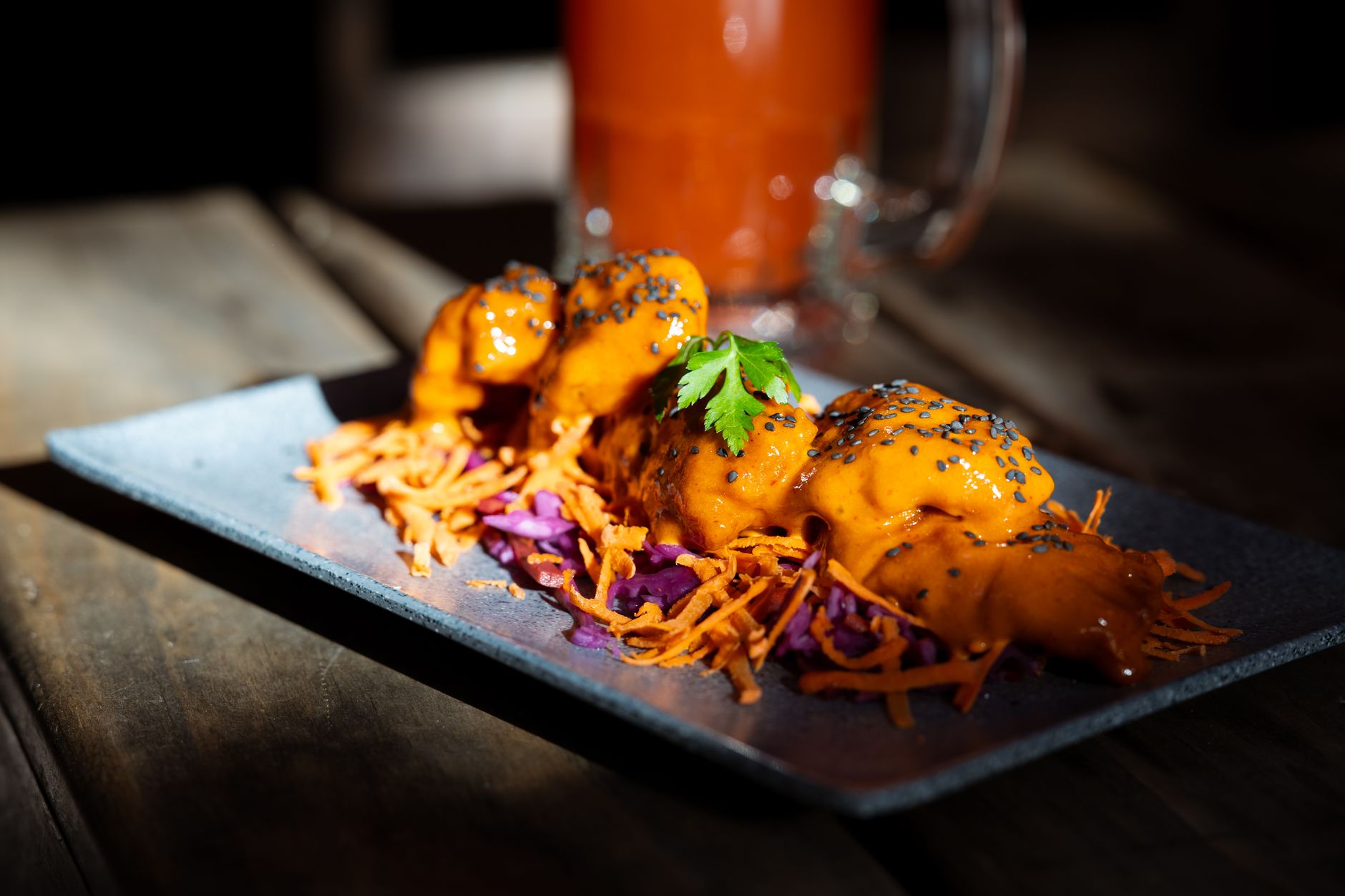
Photo by Mike C on Pexels
- Keywords: Ensure your business name, description, and posts include relevant keywords that potential customers might use in their search, like "Italian restaurant" or "vegan food near me."
- Regular Updates: Keep your business information updated. This includes hours, special events, and menu changes. Google favors active profiles.
- Promote Reviews: Encourage happy customers to leave reviews. This not only improves your visibility but also builds trust. Learn how to manage this in our article on local marketing strategies for restaurants.
- Weekly Posts: Use Google My Business to post news and special offers. This not only keeps your customers informed but also enhances search visibility.
These practices will not only help you become more visible but also show Google that you are an active and engaged business.
Managing Google Maps Reviews to Attract More Customers
Reviews are a vital component of your restaurant's online reputation. Properly managing them can significantly increase customer attraction.
- Respond to All Reviews: Whether positive or negative, responding to reviews shows you care about customer feedback. Use a professional and friendly tone. For automated responses, check out our guide to managing Google review responses with AI.
- Handle Negative Reviews Constructively: View criticism as an opportunity to improve. Apologize if necessary and offer solutions. This can change the customer's perception and that of others who read the review.
- Encourage Positive Reviews: Ask satisfied customers to leave a review. You can incentivize them with a discount on their next visit or a free dessert.
Effective review management can not only improve your ranking on Google Maps but also strengthen customer loyalty and attract new visitors.
Utilizing Photos and Descriptions in Google Maps to Stand Out
Photos and descriptions form the first impression customers will have of your restaurant. It’s crucial that they are attractive and representative of the experience you offer.
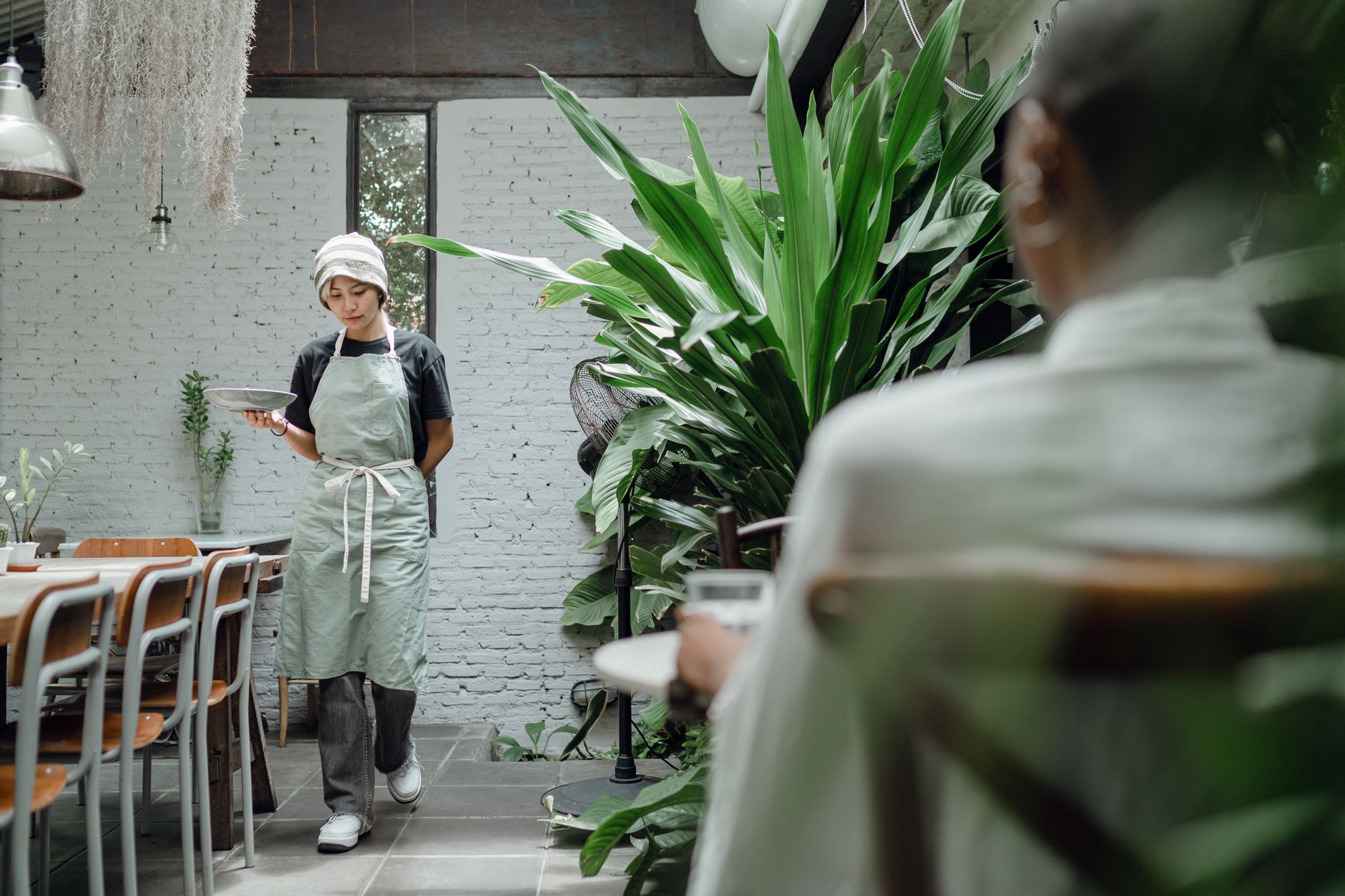
Photo by Ketut Subiyanto on Pexels
- High-Quality Photos: Invest in professional photography to capture your dishes and restaurant ambiance. Well-lit, high-resolution photos are more appealing.
- Variety of Images: Include photos of different aspects of your restaurant: interior, exterior, popular dishes, and special events. This gives customers a complete view of what to expect.
- Detailed Descriptions: Describe what makes your restaurant unique. Is it a family business? Do you use local ingredients? Detail menu specialties and unique service aspects.
These actions will help your restaurant stand out on Google Maps and capture the attention of potential customers, encouraging them to visit.
Common Mistakes to Avoid When Optimizing Your Restaurant on Google Maps
There are common mistakes that can negatively affect your restaurant's visibility and reputation on Google Maps. Avoiding these will help you maximize your online presence:
- Incorrect or Inconsistent Information: Ensure that all data, such as hours and addresses, are correct and consistent across all platforms.
- Not Responding to Reviews: Ignoring reviews, especially negative ones, can give the impression that you don’t care about customer feedback.
- Low-Quality or Outdated Photos: Poorly lit or old images can give a bad impression of your restaurant. Regularly update your photos to reflect improvements or changes.
- Lack of Interaction: Not using Google My Business to interact with customers or post updates can result in lower visibility.
Maintaining rigorous control over these aspects is essential to ensure your Google Maps profile is an effective marketing tool.
Key Takeaways
- Optimize your Google My Business profile to enhance local visibility.
- Include relevant keywords and update your information regularly.
- Manage reviews proactively, responding to all and encouraging positive ones.
- Use high-quality photos and detailed descriptions to attract customers.
- Avoid common mistakes like incorrect information and not interacting with customers.
Conclusion and Next Steps to Maximize Results
Optimizing your restaurant on Google Maps is an ongoing investment that can bring substantial benefits to your local business. By following these guidelines, you'll not only improve your visibility but also strengthen your reputation and attract more customers. Consider integrating these strategies as part of a broader online marketing campaign, and don’t hesitate to explore how HolaRevi can help you manage your reviews and enhance your restaurant's reputation. To delve deeper into the impact of reviews, we recommend reading how Google reviews transform your local business.
Frequently asked questions
How can I register my restaurant on Google Maps?
To register your restaurant on Google Maps, access Google My Business, enter your business information, and verify your account using a postal code sent by Google.
What are the benefits of being well-positioned on Google Maps for a restaurant?
Being well-positioned on Google Maps increases your restaurant's visibility, attracts more local customers, and improves your online reputation, boosting traffic and sales.
How do Google Maps reviews affect my restaurant?
Google Maps reviews influence public perception of your restaurant and can improve your ranking in local searches, attracting more customers.
What type of photos should I upload to my Google Maps profile?
Upload high-quality photos of your dishes, the interior and exterior of the restaurant, and special events to attract the attention of potential customers.