How to rank higher on Google Maps: what Google actually uses and a 30-day plan
Relevance, distance and prominence: what you can improve, what you can't and the shortcuts that risk your profile.
To rank higher on Google Maps, work on the three factors Google says it uses for local results: relevance, distance and prominence. You can't change distance, but you can improve the other two with the right primary category, a complete profile, accurate opening hours, real photos and a steady flow of reviews that you reply to. Here's what works, what breaks the rules and a 30-day plan for any local business.
The three factors Google uses to rank local results
Google explains this in its own help page, Tips to improve your local ranking on Google:
Photo by Лена Gromakova on Pexels
- Relevance: how well your Business Profile matches what someone is searching for. If people search for "sports physio" and your profile only says "clinic", you're a weaker match.
- Distance: how far your business is from the person searching, or from the location they mention.
- Prominence: how well known your business is. Google looks at things such as links to your website and your reviews, and says plainly that more reviews and positive ratings can help your local ranking.
The same page adds that there's no way to request or pay for a better local ranking. So be wary of anyone promising "number one on Maps". Nobody can promise that, because the order changes with who is searching, from where and with which words. A café in Leeds might be first for someone on the same street and fifth for someone searching from across the city.
What you can control and what you can't
| Factor | Can you control it? | What to do |
|---|---|---|
| Relevance | Yes | Exact primary category, description, services, attributes |
| Distance | No | Nothing: don't move your address or invent locations |
| Prominence | Partly | Regular reviews with replies, photos, website and local mentions |
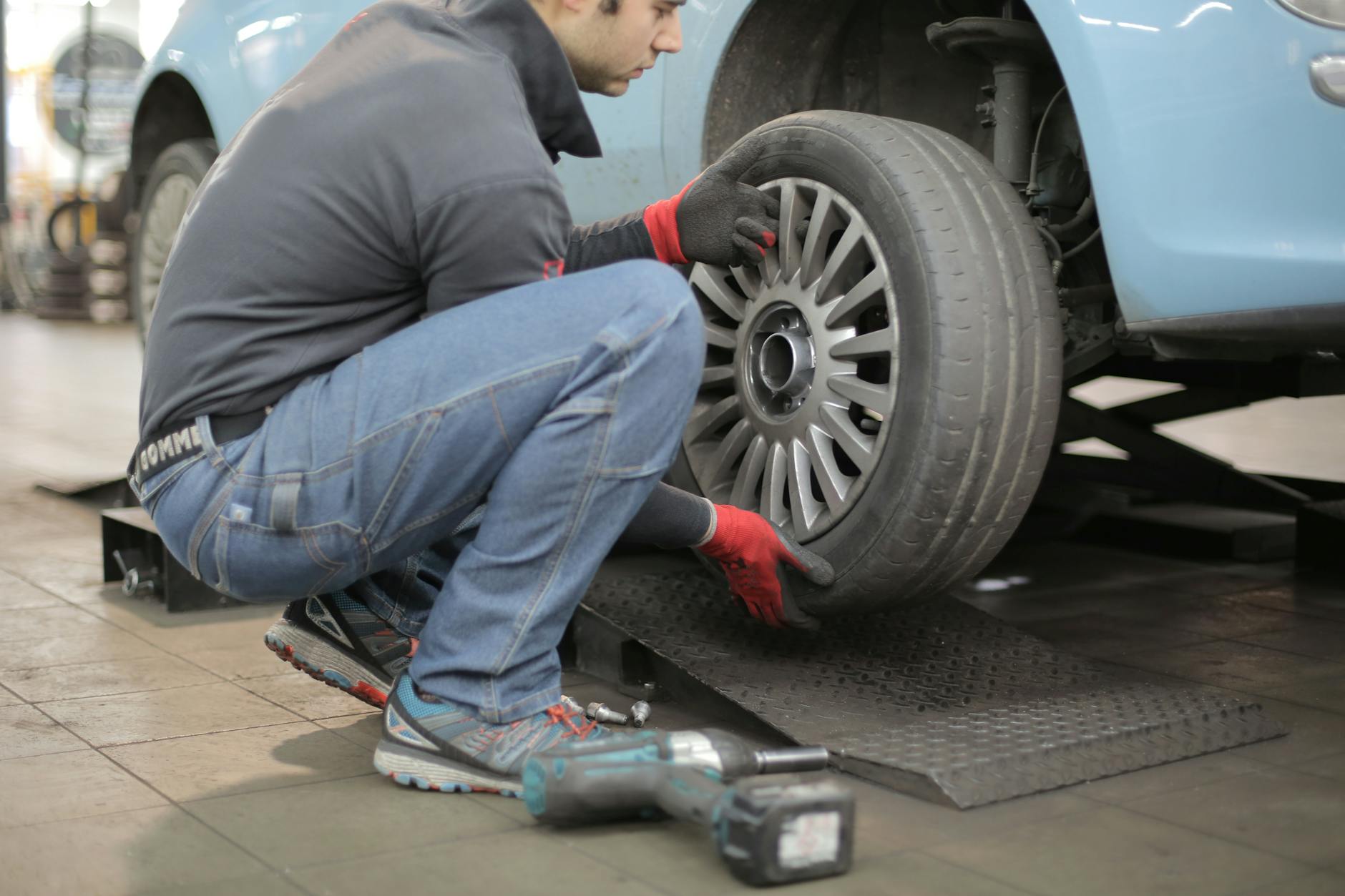
Photo by Andrea Piacquadio on Pexels
Primary category
Google's guidelines for representing your business on Google ask you to choose the fewest categories needed to describe your core business, as specific as possible. A garage in Bristol that only fits tyres is better described as a tyre shop than as a general car repair business. Secondary categories cover what else you genuinely do, but they aren't a keyword list: the guidelines say not to use them that way.
Complete details and accurate hours
Google recommends adding your address, opening hours (including special hours), category and attributes such as parking or Wi-Fi. Add services or products, phone number, website and a plain-English description of what you do and for whom. Update bank holiday hours every time: few things lead to worse reviews than turning up at a shop in Glasgow that Google said was open.
If your profile isn't verified yet, start there. Google says verification shows you're authorised to represent the business.
Photos of the real place
Google lists photos and videos among its tips. Upload the shopfront (so people recognise it on arrival), the inside, your team and what you sell. A dental practice in Bristol can show the waiting room; a pub in Manchester, the bar and the food.
Reviews: ask regularly and reply
Reviews feed prominence, and Google recommends replying because it shows you value customer feedback. In its tips for getting more reviews, Google suggests sharing a link or QR code, and makes clear that offering free or discounted products or services in exchange for reviews is strictly prohibited. Ask every customer, not only the happy ones. A steady pace matters more than a one-off burst; here's how to keep recent Google reviews coming in.
What doesn't work (or breaks the guidelines)
- Keyword stuffing the business name. "Ana's Hair – Best Cheap Hairdresser Leeds City Centre" isn't a name. Google's guidelines don't allow unnecessary information in the business name, such as marketing taglines, opening hours, phone numbers, product or service descriptions or location details, and warn this could lead to your profile being suspended.
- Using categories as keywords. Ten categories that aren't your core business blur the picture.
- Fake or virtual addresses. If you visit customers (a plumber, a mobile hairdresser), hide your address and set a service area instead.
- Buying, incentivising or filtering reviews. Offering anything in return is prohibited, and only asking people you expect to leave five stars goes against Google's aim of reviews reflecting genuine experiences.
- Paying for a promised top spot. Google says you can't pay for a better local ranking.
A 30-day plan to rank higher on Google Maps
Week 1: fix the profile. Verify it, make the name match your signage exactly, choose the most specific primary category, trim secondary categories, and complete address, phone, website, hours, upcoming bank holiday hours and attributes.

Photo by Andrea Piacquadio on Pexels
Week 2: content that helps people decide. Upload 10-15 real photos, write a clear description without repeating keywords, and add your main services or products.
Week 3: reviews. Get your review link and put it where happy customers are: the counter, the table, the receipt. Ask everyone with the same simple sentence and nothing in return. Reply to every outstanding review, older and negative ones included.
Week 4: build the habit. Set a weekly slot to reply to new reviews and check your hours, look at your profile performance to see which searches find you, and make sure your website shows the same name, address and phone number.
Changes take time, and your position will keep shifting depending on who searches. If you run a restaurant, see how to optimise a restaurant on Google Maps for hospitality-specific advice.
Where to start today
Open your profile now and check three things: the name matches your sign, the primary category describes exactly what you do, and this week's hours are right. It takes ten minutes and everything else builds on it.
For reviews, HolaRevi can help on both fronts. With a HolaRevi NFC stand, customers just bring their phone close to reach your review form, with nothing to download. And with HolaRevi every review gets an AI-drafted reply that picks up what that customer wrote and sounds like your business, choosing whether replies publish automatically or wait for your approval.
Frequently asked questions
How do I get my business to the top of Google Maps?
Nobody can promise the top spot, because results change with who is searching, where they are and what they type. What you can do is improve relevance and prominence: an exact primary category, a complete verified profile, accurate hours, real photos and recent reviews you reply to. Google states there's no way to pay for a better local ranking.
Why is my business not showing on Google Maps?
Common causes are an unverified profile, missing information or a category that doesn't match what people search for. Distance matters too: searching from further away shows closer businesses first. Check verification, complete your details and make sure you follow Google's guidelines, as breaking them, for example by stuffing keywords into your name, can get a profile suspended.